

On this page
Causeway Link Express allowed you to modify your bus schedule in “My Bookings”, just follow the steps below:
Step 1: Log in to your Causeway Link Express account
Step 2: Click “My Bookings”

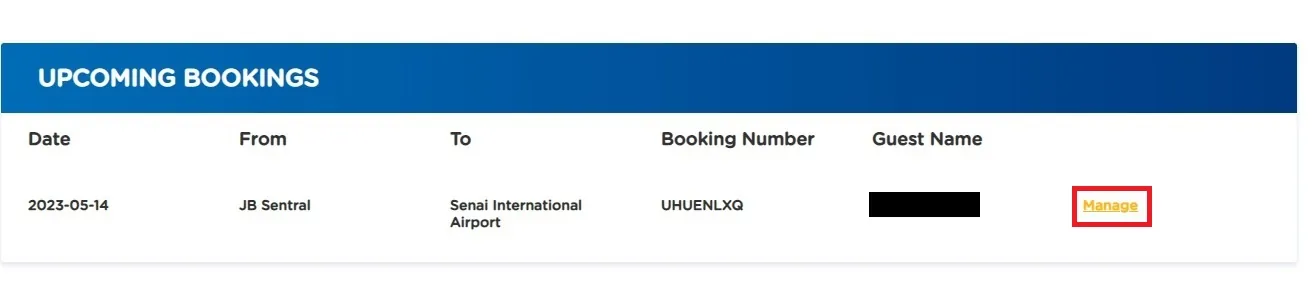
Step 3: Click “Manage” on the booking you want to modify
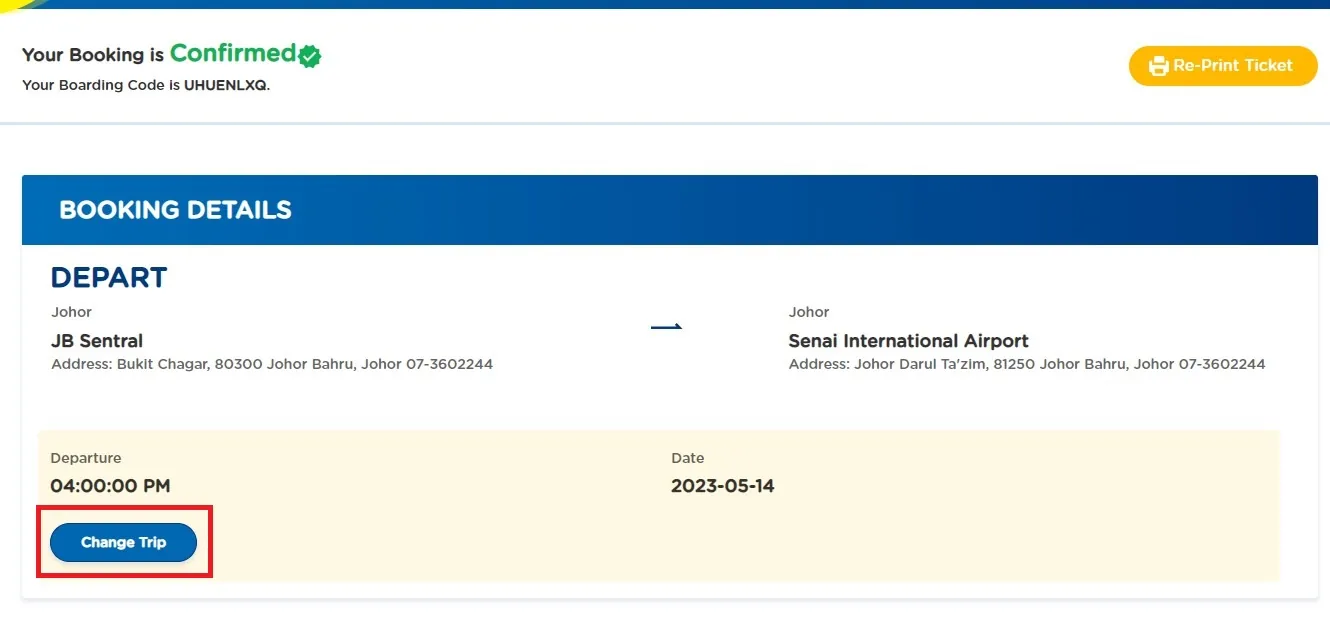
Step 4: Click “Change trip”
Step 5: Select a new departure date, bus schedule and bus seat
Step 6: Check the payment summary & passenger details and make the payment
Step 7: You are now able to print your latest bus ticket
Note:
- Reschedule only available for 72 hours before departure time.
- Reschedule only can be done once.
- Reschedule only available for one way trip.
- RM5 admin charge will be charged for each ticket.
Was this article helpful?
Your answer helps us improve the Help Center.